Electronics Cleaning and No-Input Mixing
The Find
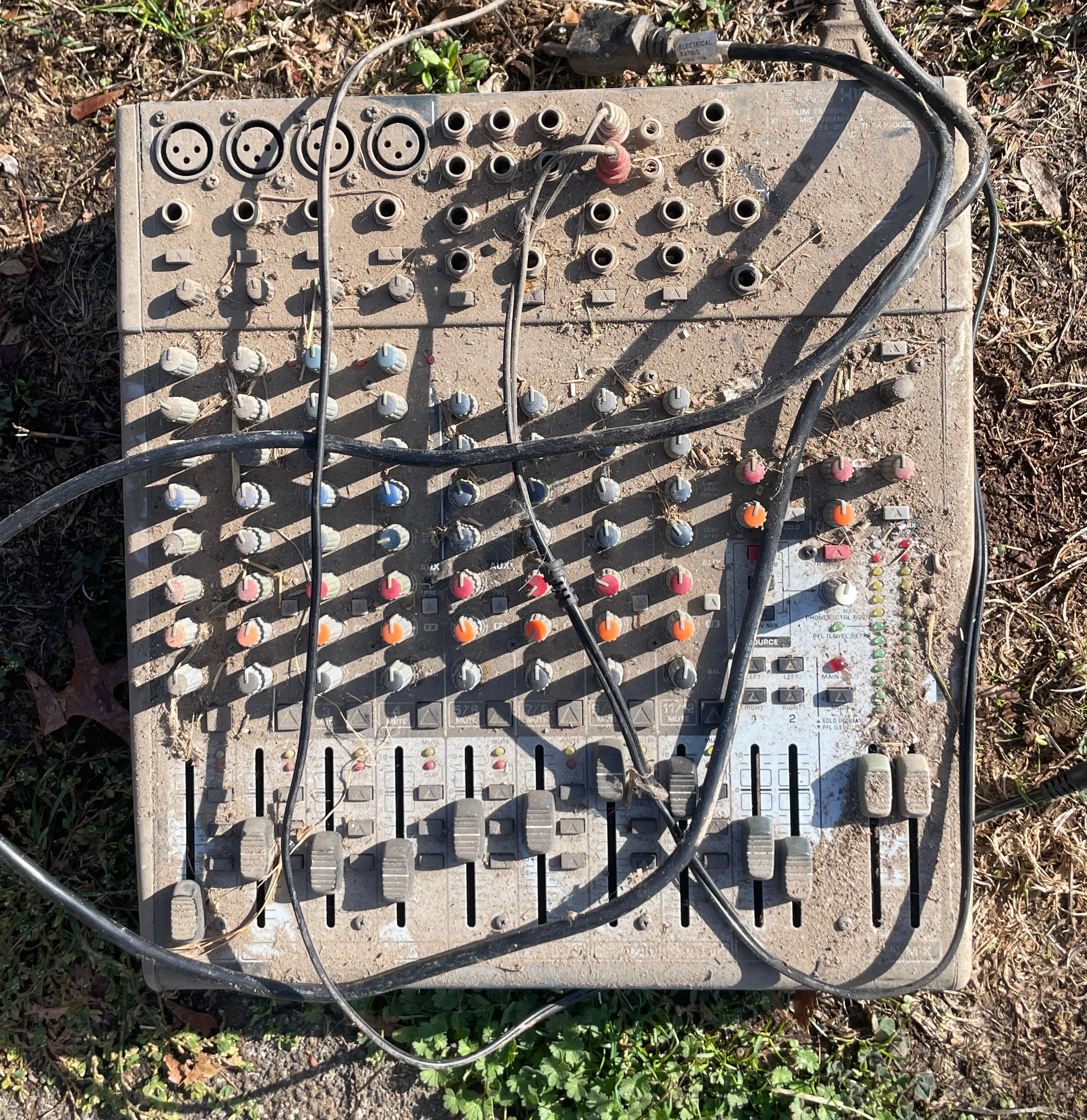
Found this slightly used Behringer Xenyx X1622USB mixer on the curb a few weeks ago.
The Cleaning
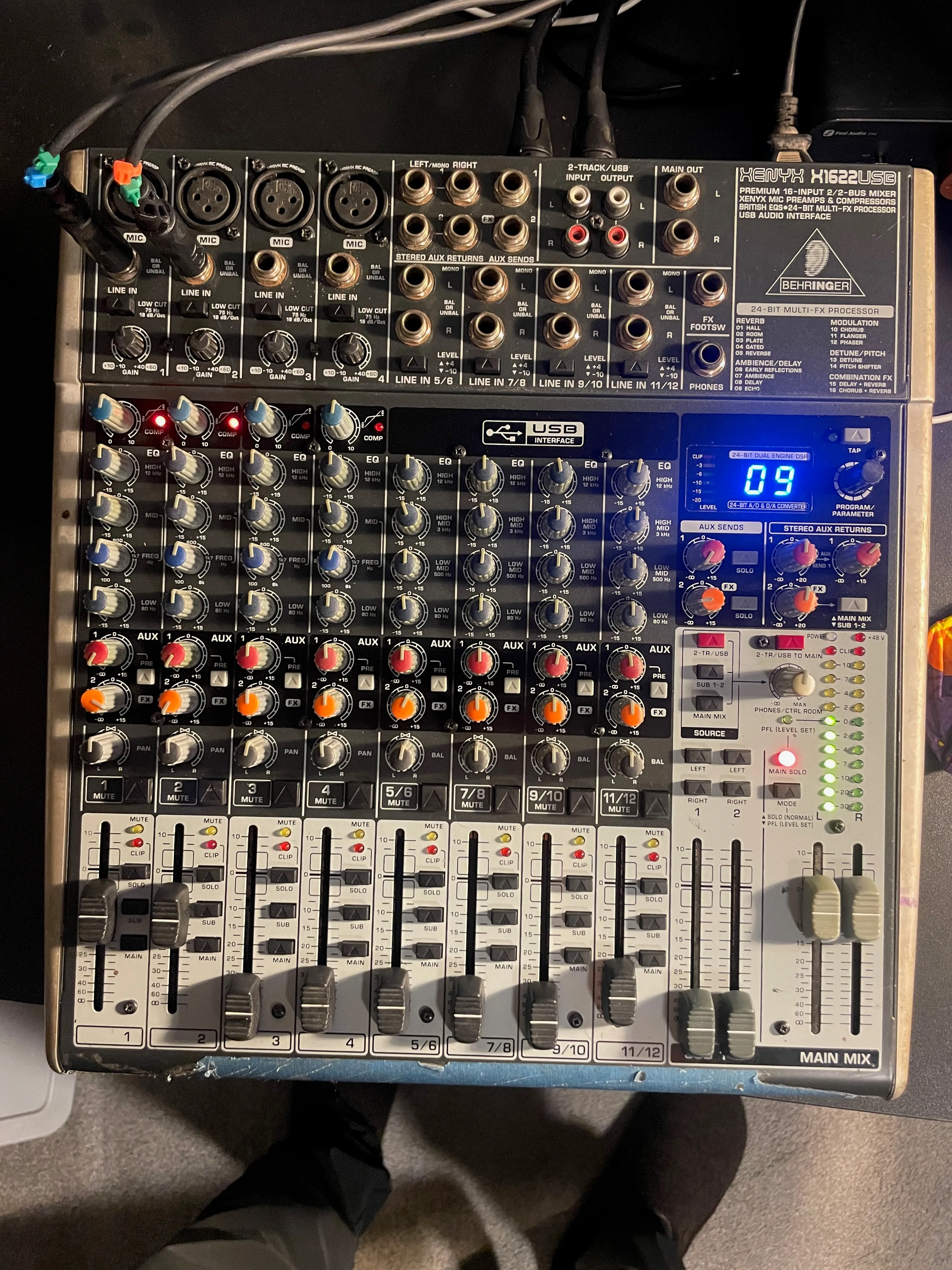
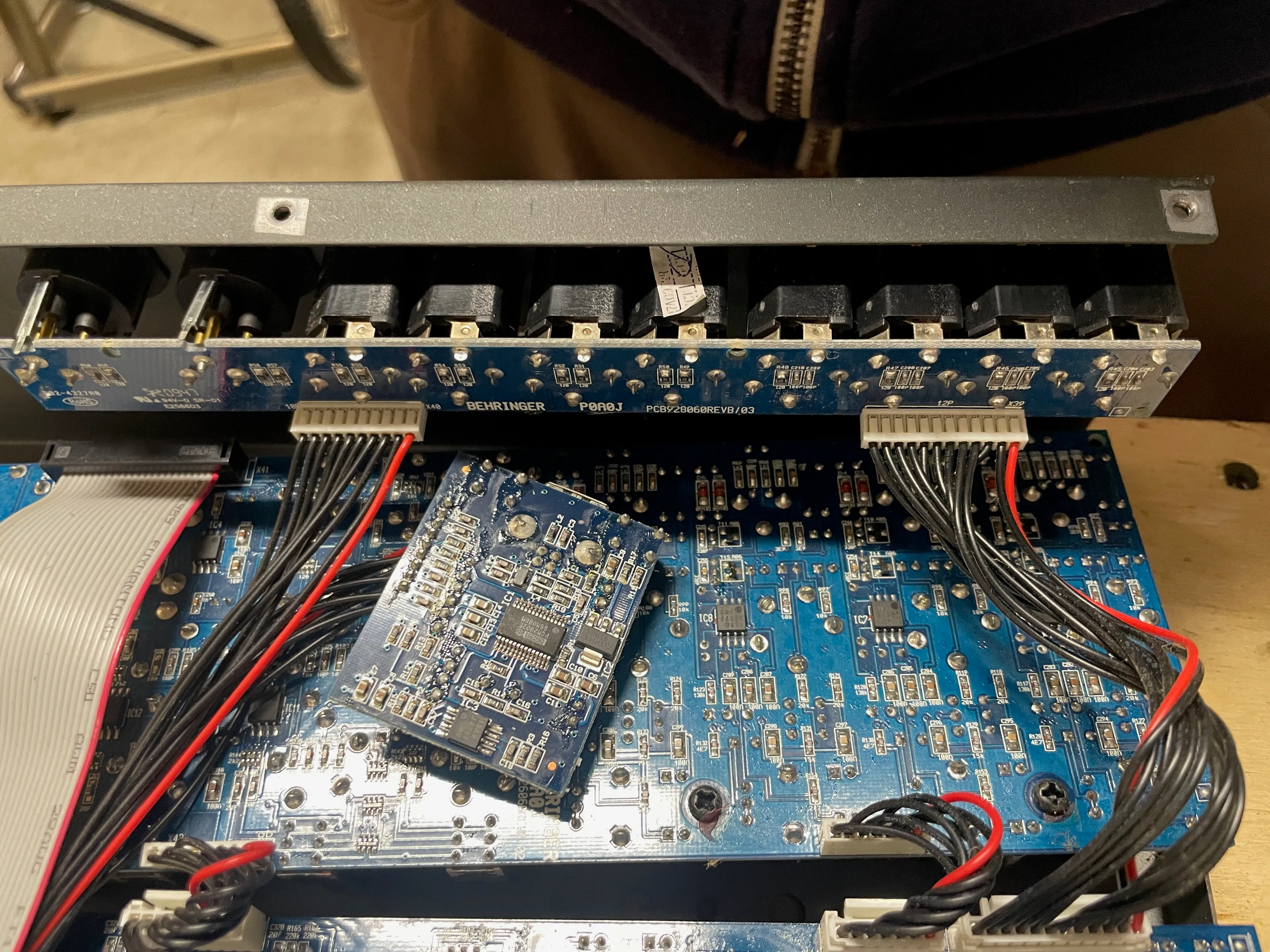
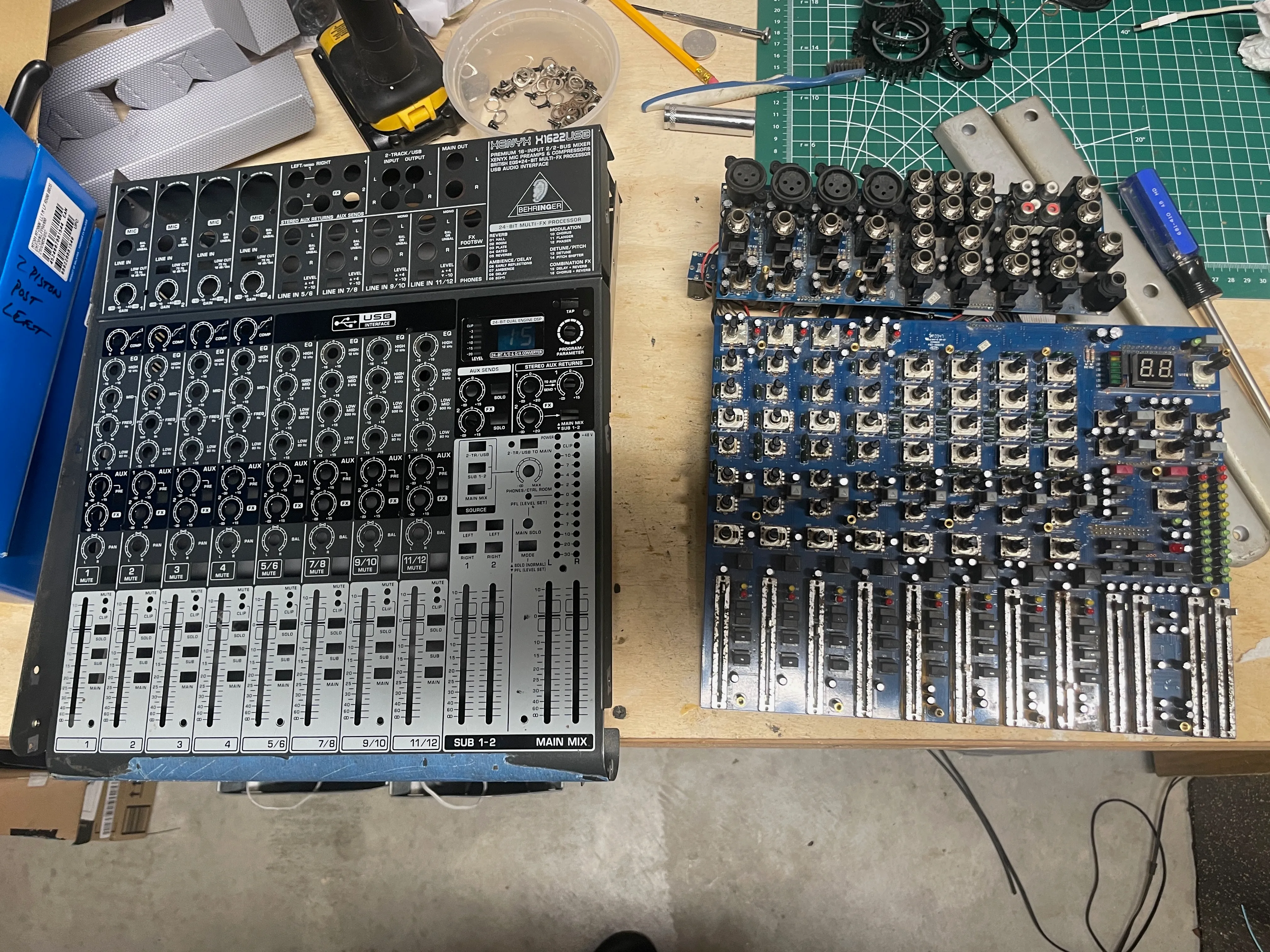
I was worried the mixer had been in a flood, given the amount of dirt, but since there was absolutely no loss in giving it a go, I brought her home. A few good runs over the face with a shop vac got most of the crud off before opening. A few hundred knobs, screws, 1/4” jack nuts later and I was in. The inside, while dirty, wasn’t bad at all. I vaccumed out what I could, then went in heavy with De-Oxit to clean the pots, switches and faders up. The main difficulty was the faders; they had a bit of rust, and could use replacing. Given there are 12 faders on this device, and how difficult it would be to desolder them, I decided to let it go and enjoy any static there might be while sliding them as a feature. Surprisingly, once cleaned up and put back together, they worked pretty well. A few buttons are a little sticky in the down state, but all work. The LED strip showing output volume for the R channel is still failing, but the left one works and is informative enough.
No-Input Mixing techniques
Making a channel feedback into itself
graph TD
  In[Channel 1 Input] --> LCF[Low Cut Filter]
  LCF --> Gain
  Gain --> Compressor
  Compressor --> EQ[4 band EQ]
  EQ --> Fader
  Fader --> Out[Channel 1 Out]
  Out --> In
Channels 1-4 on the Xenyx X1622 have an optional output/input on the back called ‘Channel Inserts’ that accept a 1/4” TRS cable to optionally send, return through outboard effects. You can use a mono TS cable on the channel insert, plugged in ‘almost’ all the way, to just take the output, and then plug that into the channel’s input. This creates a feedback loop and will pick up oscillations from the circuit. Adjusting the gain stage controls the frequency, along with the EQ settings. For audio-rate oscillations, apply the Low Cut Filter switch, which gets rid of signal below 75 Hz.